
In modern game development and animation, performance and smooth transitions are everything. How smoothly a game works says a lot about its performance. No one wants to play a game that lags. Therefore, an AI sprite sheet generator was introduced to solve this problem. Loading multiple small files for a single animated character sounds simple, but it requires lots of attention. Want to explore some of the best AI sprite sheet generator tools?
Start reading to find the best tool for an AI sprite sheet generator that fulfills your needs and requirements.
Updated October 2026. Pricing for Layer AI, Easy Peasy AI, OpenArt and Rosebud AI was re-checked against each vendor's official pricing page, a name typo was corrected, and an unsupported tool mention was removed from the FAQ. SaaS plans change often, so confirm prices on the vendor's site before you buy.
What is a Sprite Sheet?
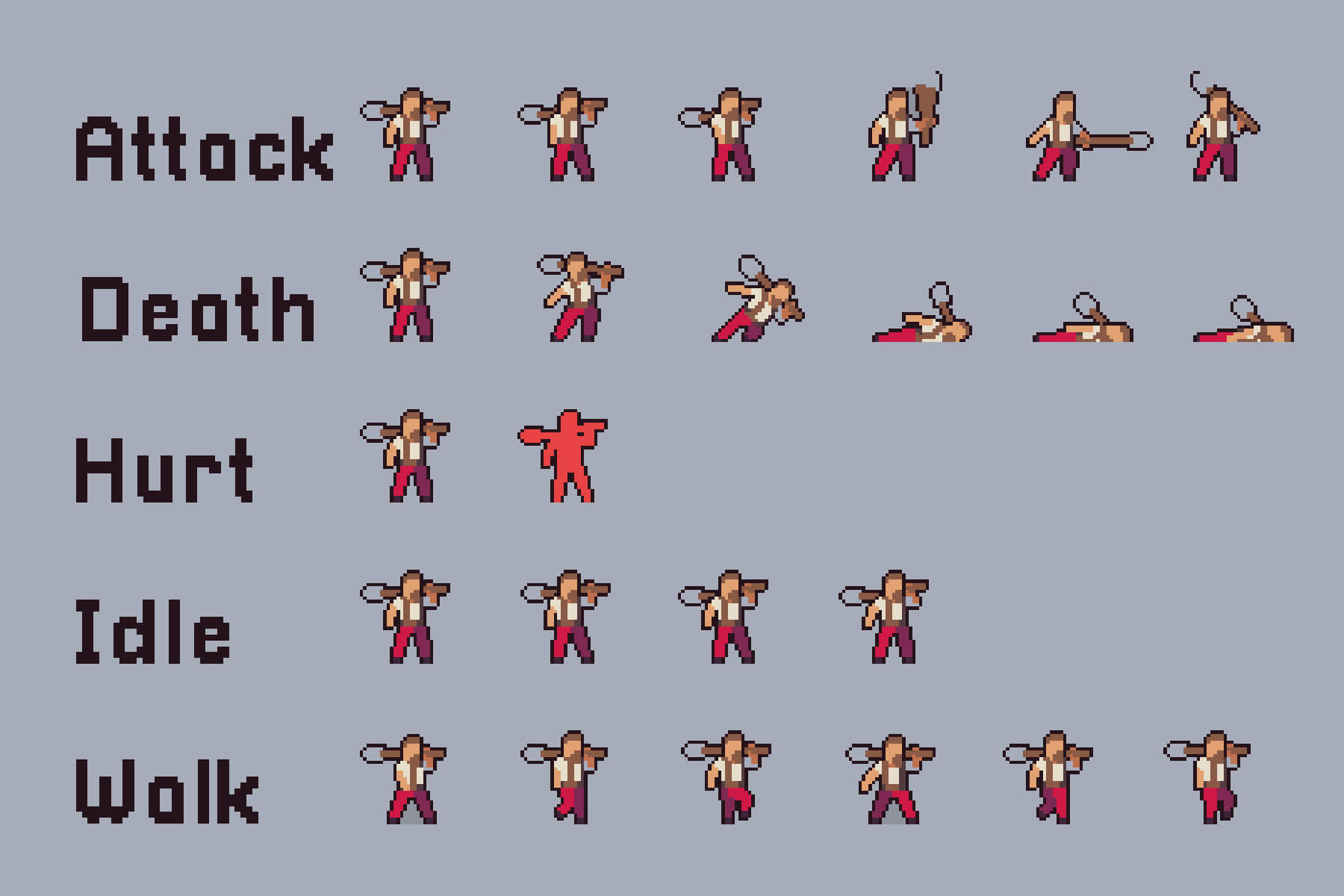
A combination of several smaller images (sprites) to create a single image is called a sprite sheet. It is arranged in a grid-packed layout. It helps in speeding up the loading and closing times. It is mainly used to create game characters and UI icons.
Instead of loading numerous individual image files, developers use a sprite sheet to make the game or application fast and more responsive. Sprite sheet works using separate data files like JSON, XML, or CSS, and maps the name of each sprite to its original coordinates, i.e., X, Y, or Width, Height.
Each of these small graphics represents a character frame, an icon, or an item. Instead of loading several images, the program simply loads this sprite sheet and picks out the part that is needed while displaying or animating a program or game.
Benefits of Sprite Sheet
Sprite sheets are useful in many ways. It increases the performance by managing HTTPS requests and providing faster response times. It also provides storage with better compression and lower VRAM (Video Random Access Memory) usage. Let’s understand the benefits based on performance, memory, animation, and workflow development.
Performance
- One file is downloaded instead of several smaller files, which leads to fewer HTTP (Hypertext Transfer Protocol) requests and consequently speeds up the loading time.
- With a single sprite sheet, you will only need to bind one texture instead of switching between several sprites.
Storage and Memory
- A PNG file with a single header, color palette, and compression is more useful than multiple separate files.
- GPU works more efficiently with fewer sprites and more textures, leading to lower usage of VRAM.
- With similar pixels across sprites, compression becomes easier.
Animation
- Reduces the loading delays as all frames are pre-loaded to eliminate any frame drop delays.
- Minimizes the risk of individual frame loading at different leads, giving the same texture to different UV regions.
- It works well with shaders and animation systems, reducing the risk of different frames loading at different speeds and times.
Workflow and Development
- Increase the workflow by automating frame generation using an AI sprite sheet generator.
- Save time on alignment and spacing using a faster process for animation pipelines.
Top 3 Best AI Sprite Sheet Generators
With the growing popularity of AI over the years, many free and paid best AI sprite sheet generators have entered the market. Explore the top 3 AI tools for generating a sprite sheet.
Ludo AI
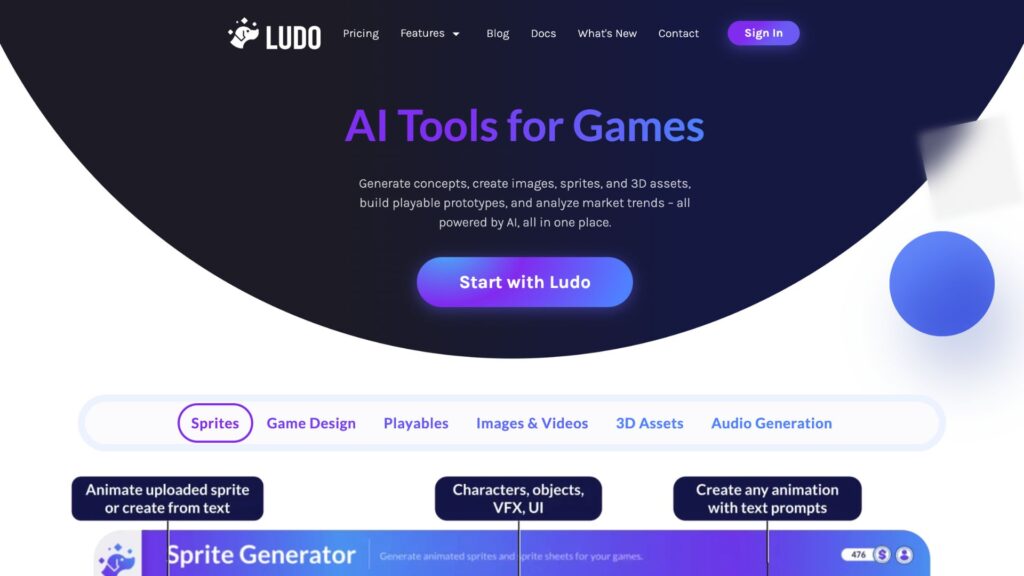
It is a paid sprite sheet generator that comes with several features, including a sprite generator, where you can create characters, objects, and VFX. Apart from that, it also has features for designing games, audio generation, playables, images, videos, and 3D assets. According to its official site, Ludo AI helps in increasing your productivity by 10x using a single platform. These are some of the key features:
- Sprite Generator
- 3D Assets Generator
- Game Ideator
- Video Generator
- Market Scorer
As of October 2026, its pricing page lists three self-serve plans, plus an Enterprise option through sales:
| Aspect | Indie | Pro | Studio |
|---|---|---|---|
| Pricing | $15/monthly, paid annually | $35/monthly, paid annually | $300/monthly, paid annually |
| Yearly credits | 3,000 credits | 12,000 credits | 120,000 |
| Projects | 5 active projects | Unlimited active projects | Realtime collaboration |
For more pricing details, visit the Ludo AI official pricing site.
Layer AI
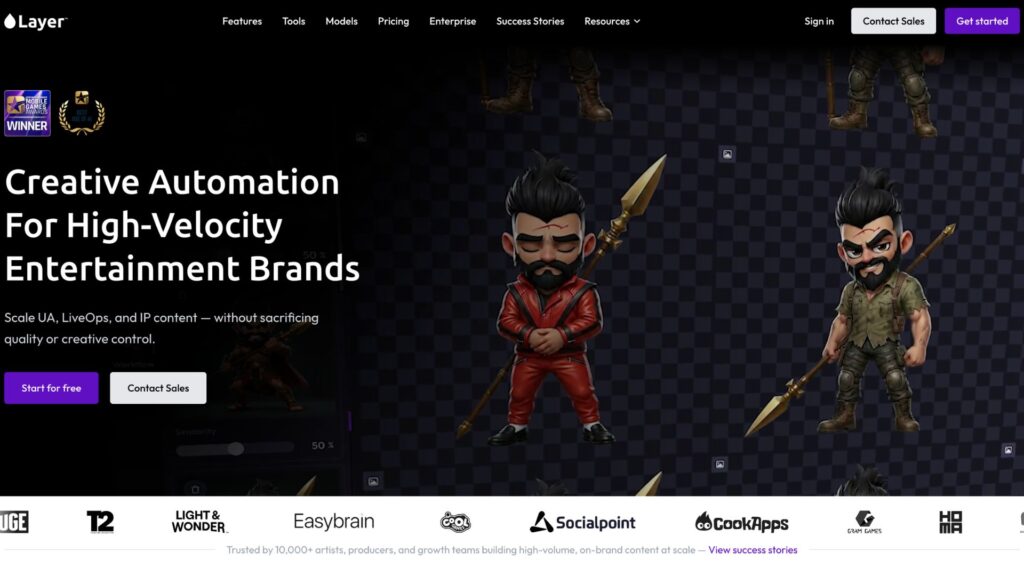
It provides a suite of AI tools for game artists and animation designers. Some of its top features include:
- Sprite Sheet Generator
- Placing Characters Into a Scene
- Animate a Character
- Outfit Change
- Style transfer to Scene and Items
- Image To Sprite
- Sketch to Art Style
It is basically an AI animation tool that helps in editing and generating animated characters. As of October 2026, Layer AI does not sell fixed plans or per-seat licences. It uses consumption-based pricing: each generation uses Creative Units (CUs), and the cost depends on the AI model and the type of asset. According to its pricing page, subscriptions begin at $10 per month for 300 Creative Units, with unlimited team members at $0 per seat, and larger studios can contact sales for Enterprise terms.
You can pick a subscription tier based on how much you generate and adjust it monthly. For more details related to its price, visit the official pricing page.
Easy Peasy AI
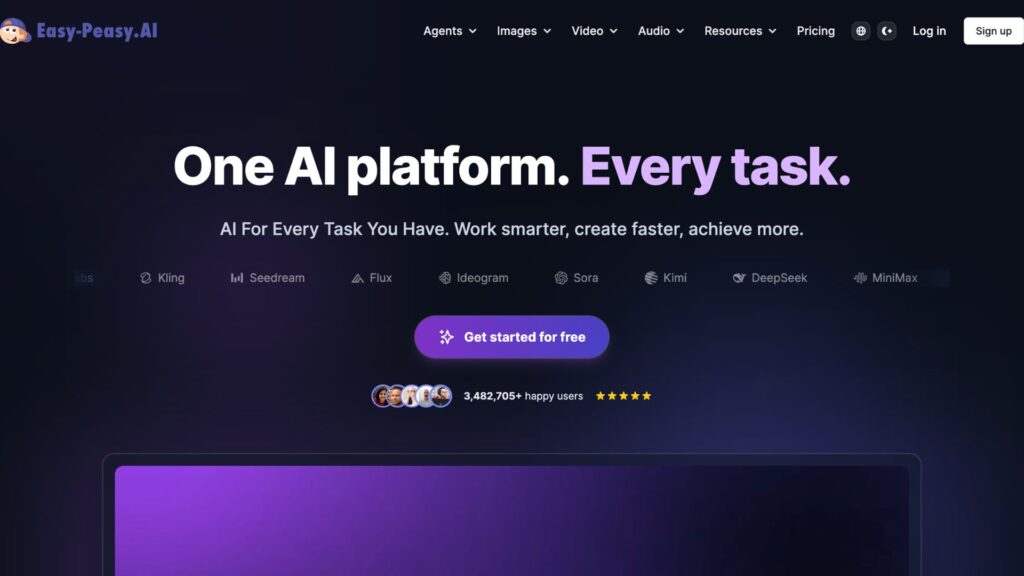
The tool provides several features needed for creating a sprite sheet. It is an all-in-one tool that helps in creating images, videos, and audio. Some of the key features of Easy Peasy AI are:
- Text to Character Generator
- Art Prompt Generator
- Logo Maker
- Sprite Sheet Builder
- AI Music Generator
You can try it before purchasing, as the free plan requires no credit card. It has 4 pricing options, including the free plan. The prices below are the per-month rates when billed yearly, as listed on its pricing page in October 2026.
| Aspect | Free | Starter | Unlimited 50 | Unlimited |
|---|---|---|---|---|
| Price (billed yearly) | $0/month | $8/month | $12/month | $16.5/month |
| Bots | 1 | 2 | 3 | 4 |
| Text-to-Speech | 1,000 characters | 25,000 characters | 50,000 characters | 75,000 characters |
| Credits | 1 image credit | 200 image/video credits | 300 image/video credits | 500 image/video credits |
It provides several features, including 35+ languages available. For more details related to the price, visit the official pricing page of Easy Peasy AI.
Related: Elden Ring: Rare Interaction with Melina After Spending 730 Hours in Gameplay
Free AI Sprite Sheet Generators
Before purchasing an expensive plan, you can try a free option or a free plan. Explore the tools below.
OpenArt
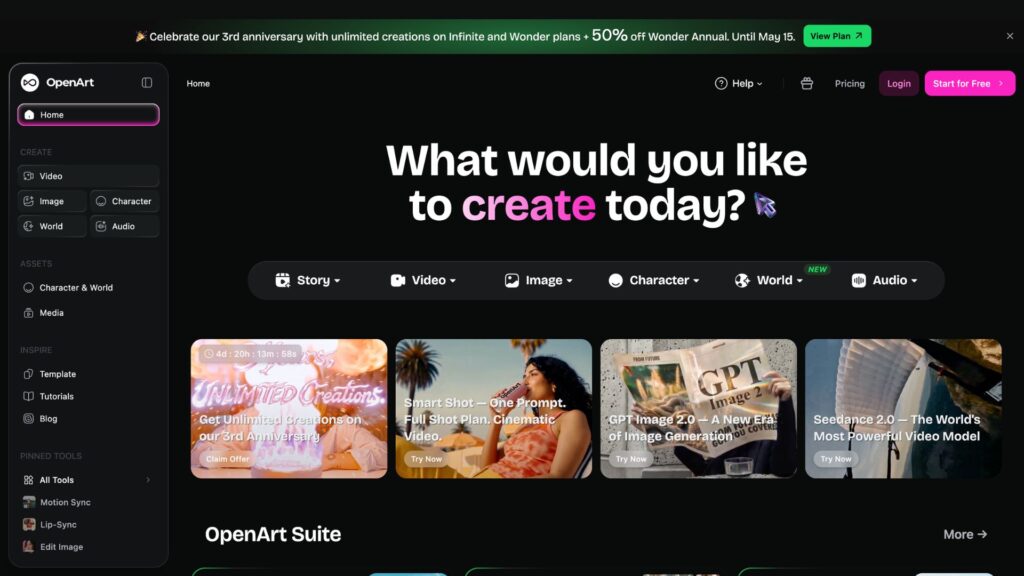
With the help of this tool, you can create characters and visuals, and can also lip sync those characters. Note that, as of October 2026, OpenArt's pricing page lists only paid individual plans (prices per seat per month, lower when billed annually), so check the site for any current free trial before you sign up:
| Plan | Starter | Plus | Pro | Wonder |
|---|---|---|---|---|
| Price (monthly / annual billing) | $14 / $13 | $34 / $27 | $56 / $44 | $240 / $175 |
| Credits | 4,000 credits/month | 12,000 credits/month | 24,000 credits/month | 106,000 credits/month |
| Images (up to) | ~4,000 | ~12,000 | ~24,000 | ~106,000 |
| Videos (up to) | ~50 | ~150 | ~300 | ~1,300 |
For more feature-related details, check out its official page.
Rosebud AI
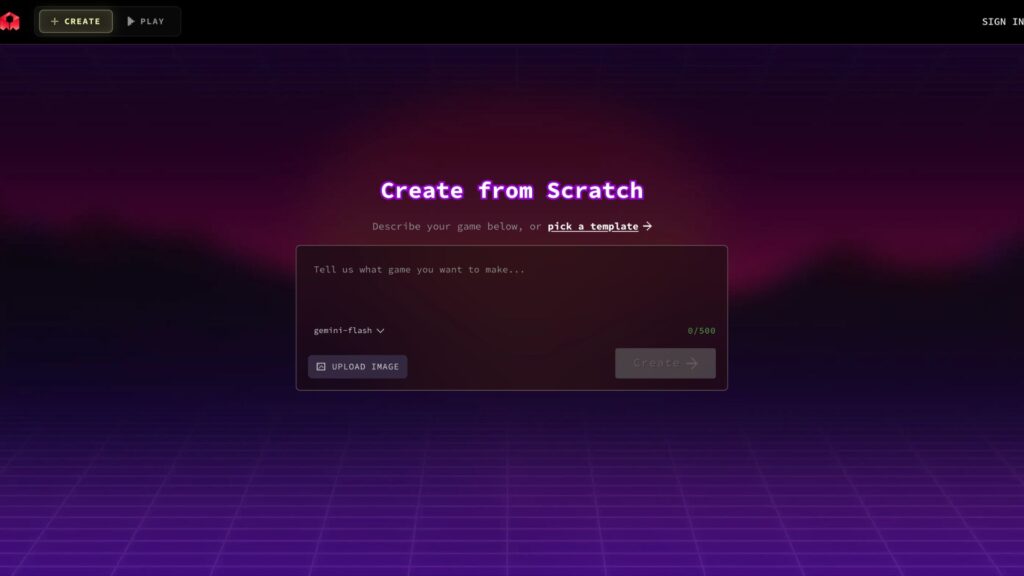
With this tool, you can create free sprite sheets for games. It has provided a solution to 2D, which is a time-consuming process of game development. You can create an all-new game using this free AI sprite sheet generator tool. It doesn’t have many features, but it is one of the best free AI sprite sheet generator tools.
Rosebud AI has a free plan. According to its pricing page (as of October 2026), the Free plan starts you with 8,000 credits and needs no credit card, and in eligible regions those credits refill every week. Paid plans add more credits, private projects, commercial rights, code download and Windows export.
Use Case of Sprite Sheet
Sprite sheets are mainly used by web developers, game developers, graphic designers, UI/UX designers, and pixel art designers.
For game animation: It is useful for making a game character walk, run, and jump within a single sheet. Game developers, pixel artists, and Unity programmers mostly use it for animation.
2D game and tiles: different titles, i.e., ground, wall, and trees, are packed in a single sheet to build maps quickly. Game designers, level designers, and environment artists use sprite sheets to generate 2D games and tiles.
Website buttons and icons: Icons like home, search, settings, and social media icons are shown using a single image with CSS positioning. UI/UX, engineers, and web developers use it for updating and creating websites and apps for a simpler and clearer interface.
Web animation: Web developers, motion designers, and frontend engineers use a sprite sheet to add animated logos or loading spinners. It is done by moving the sprite sheet using CSS for the final result.
How to Create a Sprite Sheet?
Creating a Sprite Sheet is not difficult, especially when using an AI sprite sheet generator. Let’s understand how sprite sheets work, so that you can create your own characters.
- Step 1: Prepare images for your desired animation character. Add the type, animation, frame count, and direction. Use frames, e.g., 4,8,12, or 16 for more image placements. At last, mention the side view, isometric view, or top down.
- Step 2: Use individual frames: Add multiple images representing the animated steps of the characters. For this process, you can use tools like Aseprite, Adobe Photoshop, or Piskel. (Maintain a uniform style and remember to keep the same canvas size, i.e., 64×64 pixels).
- Step 3: Align the frames: Remember! All the frames must have the same height and width. Align all the characters from the same baseline and remove the background to avoid misalignment.
- Step 4: Arrange frames into a grid: Place all the frames into one single sprite sheet. Some of the common layouts are horizontal, vertical, and diagonal strips.
- Step 5: Use an AI sprite sheet generator to avoid misalignment and save time. Use AI tools like Layer AI or Ludo AI for automatic alignment.
- Step 6: Check the final file for exportation: Use a PNG image for better transparency. Grid and packed are the best layouts for gaming characters.
- Step 7: Optimize the sprite sheet for performance: Look for empty spaces and remove them. Compress the texture if it is a large file, and convert sprites into one sheet.
Tips to Make an Effective Sprite Sheet
- Use similar-sized frames for each animated image.
- Add padding and borders to avoid texture bleeding (color leaking from one image to another).
- Keep one animation per sheet, for example, walk, run, or still.
- Select the right format of image for transparency. (Use PNG)
- Add frames tightly to save space and memory in the sprite sheet.
- Check every aspect after arranging the images in a named folder.
- Export data in a JSON file.
- Always test the frame rate and download size.
Related: How to Reduce Fortnite Lagging: 5+ Effective Tips
FAQs
Which is the best AI sprite sheet generator?
Ludo AI and Layer AI are two strong paid options with dedicated sprite tools. The best choice depends on your budget and how much you generate.
Can AI create sprite sheets?
Yes, there are several AI sprite sheet generators available.
How do I generate sprite sheets automatically?
Use AI tools for an automatic sprite sheet generator.
Are there free AI sprite generators?
Yes. Rosebud AI and Easy Peasy AI both offer free plans, although the free tiers have limited credits.
What is a Sprite Sheet in game development?
It is a group of small images that all together make a single sheet, which speeds up the loading time.


