

In this article, we have explained one of the most common issues faced by gaming enthusiasts, Fortnite Lagging. It also lists the best troubleshooting tips to make your Fortnite game run smoothly. Last but not least, this guide will tell you what causes the Fortnite lag and the multiple ways to fix it.
Fortnite, an online video game released in 2017, is one of the best-known games from Epic Games. Like any online game, it can lag because of network problems, outdated drivers or hardware that struggles with your settings. In this article, we discuss the common causes of lag and how to fix them.
Updated October 2026. We updated the platform list, the PC system requirements from Epic’s help center and the Epic Games valuation, clarified when a VPN can and cannot help, and removed unsupported claims about the game’s fan base.
About Fortnite
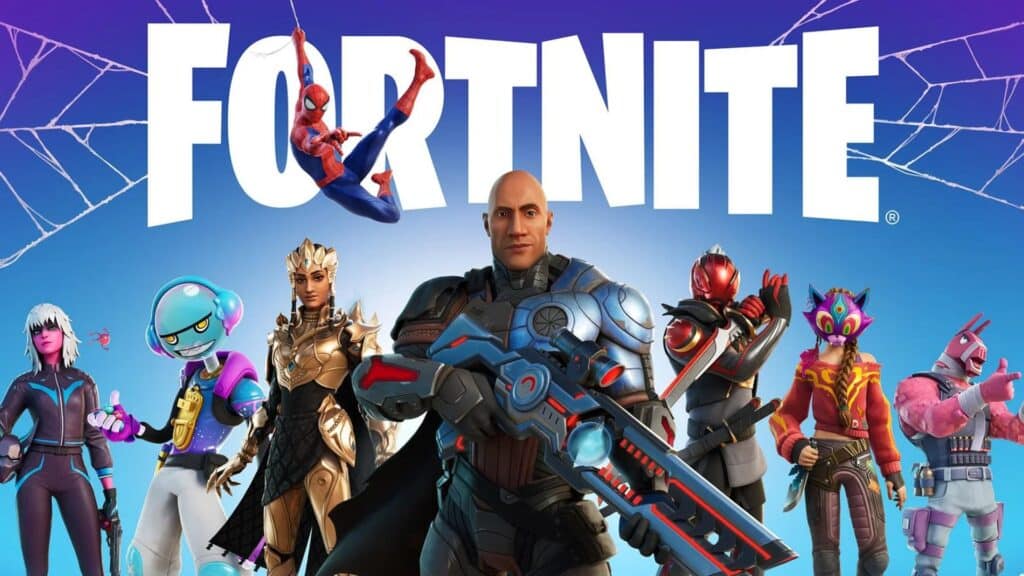
Fortnite is an online video game and game platform which Epic Games developed. Debuted in 2017, it is available in six different game modes which are Fortnite Battle Royale, Fortnite: Save The World, Fortnite Creative, Lego Fortnite, Rocket Racing, and Fortnite Festival.
Fortnite is widely listed among the most popular games of its generation. Epic Games raised $2 billion from Sony and LEGO’s parent company KIRKBI in April 2022, a round that valued the company at $31.5 billion, according to Reuters.
Fortnite is available on Windows, PlayStation 4, PlayStation 5, Xbox One, Xbox Series X|S, Nintendo Switch, Nintendo Switch 2 and mobile devices. The macOS version can no longer be updated, so it is not a practical way to play current seasons. Mobile availability has varied by region and store, so check Epic’s site for your device.
Why is Fortnite Lagging?
Although Fortnite ranks among the most popular games, many players complain about lag. There are several common reasons behind it.
One of the common issues found was your ISP throttling your Internet connection. Some of the other issues reported are improper routing, outdated drivers, and an old version of the game. Other common issues are listed as follows,
- Outdated Drivers: If you are using an old graphics or network driver, you are more likely to face Fortnite lag.
- Weak Internet Connection: A slow or unstable connection, especially over Wi-Fi, can cause lag and rubber-banding.
- Hardware: Fortnite needs reasonably capable hardware. If your PC is near or below the minimum requirements, the game may stutter, especially on higher settings.
- Outdated Game Version: Epic regularly releases updates. Running an out-of-date version can cause problems, so let the game update fully.
- ISP Throttling: Some internet providers slow certain traffic or heavy usage, which can increase lag during busy periods.
Troubleshooting Steps That Can Lessen The Lagging
If you are constantly facing delays while playing the game, try the following troubleshooting steps. None of them is guaranteed to fix every case, but together they cover the most common causes:
- Inspect Your FPS (frames per second) is good
- Look whether your device has the accurate system requirements
- Turn Off the background programs
- Disable the power-saving mode
- Check your ISP bandwidth policy; Avoid exceeding it
- Look for a new matchmaking server
- Double Check your router is fully optimised
- Start your Fortnite again
- Reinstall the game
- Get in Touch with the Fortnite support team
- Contact the ISP’s support team
Also Read – How to Fix the Elden Ring Multiplayer Not Working Error
What are The Methods to Fix Fortnite Lagging?
Below we have mentioned some helpful steps to fix the Fortnite lagging. They are,
1. Examine The System Requirements

If your PC does not meet Fortnite’s system requirements, it is likely to lag. Meeting them, and lowering graphics settings when needed, helps the game run smoothly.
As of October 2026, Epic’s help center lists these minimum PC requirements for Fortnite:
- Video Card: Intel HD 4000 on PC; AMD Radeon Vega 8
- Processor: Core i3-3225 3.3 GHz
- Memory: 8 GB RAM
- OS: Windows 10, Version 22H2 (64-bit) or Windows 10 Enterprise, Version 21H2 (64-bit)
Recommended System Requirements
- Video Card: Nvidia GTX 960, AMD R9 280, or equivalent DX11 GPU
- Video Memory: 2 GB VRAM
- Processor: Core i5-7300U 3.5 GHz, AMD Ryzen 3 3300U, or equivalent
- Memory: 16 GB RAM or higher
- Storage: NVMe solid state drive
- OS: Windows 10/11 64-bit
Epic notes that if you only meet the minimum requirements, the game will run but probably not on the highest settings; lowering graphics settings and closing background applications can help.
2. Using VPN
A VPN is not a general fix for lag. Because it adds an extra hop between you and the game server, it often increases ping slightly. It can help only in specific cases, such as when your ISP throttles gaming traffic or routes it poorly to the server you play on.
A VPN also hides your home IP address from other people online, which can offer some protection against targeted DDoS attacks. If you try one, compare your ping with and without it and keep it only if it actually helps.
3. Upgrading Your Graphic Drivers
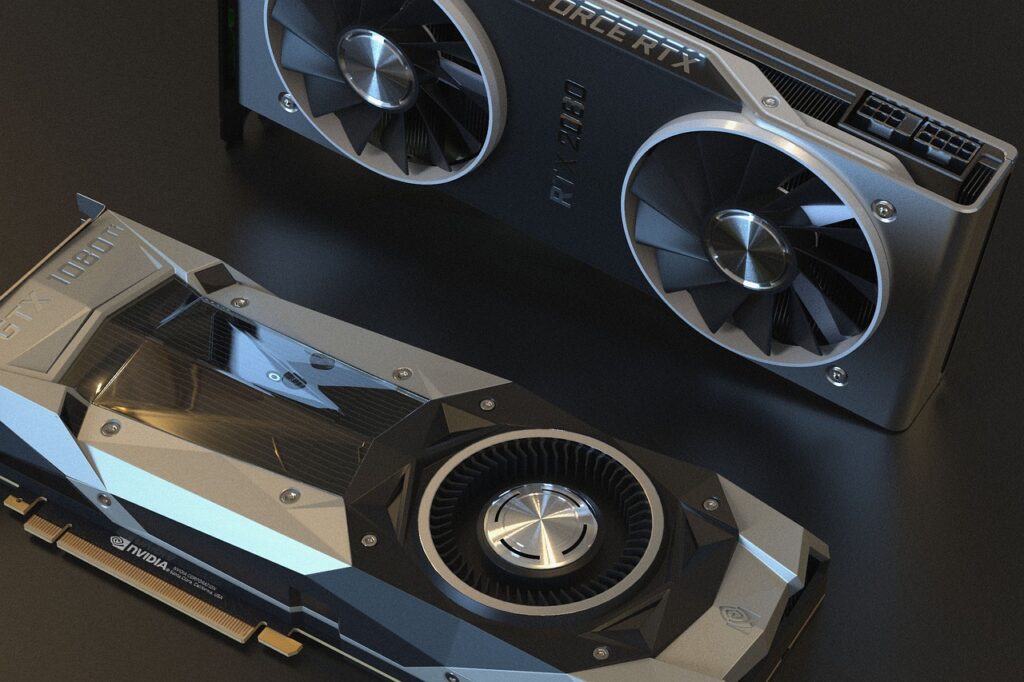
GPU makers regularly release driver updates with performance improvements and bug fixes. Keeping your graphics drivers up to date can help when Fortnite lags even though your internet is fine.
4. Choose a Different Region

If you are experiencing lag in Fortnite, it might be due to your matchmaking region. Choosing the region closest to where you live usually gives the lowest ping.
To change your Fortnite matchmaking region (exact menu labels can change between seasons):
- Go to the Fortnite settings
- Under the game settings, click on “find matchmaker region”
- Choose Auto or Regions With the Least Ping
- Click “Apply” to confirm your matchmaking region preference
5. Restart Your Router
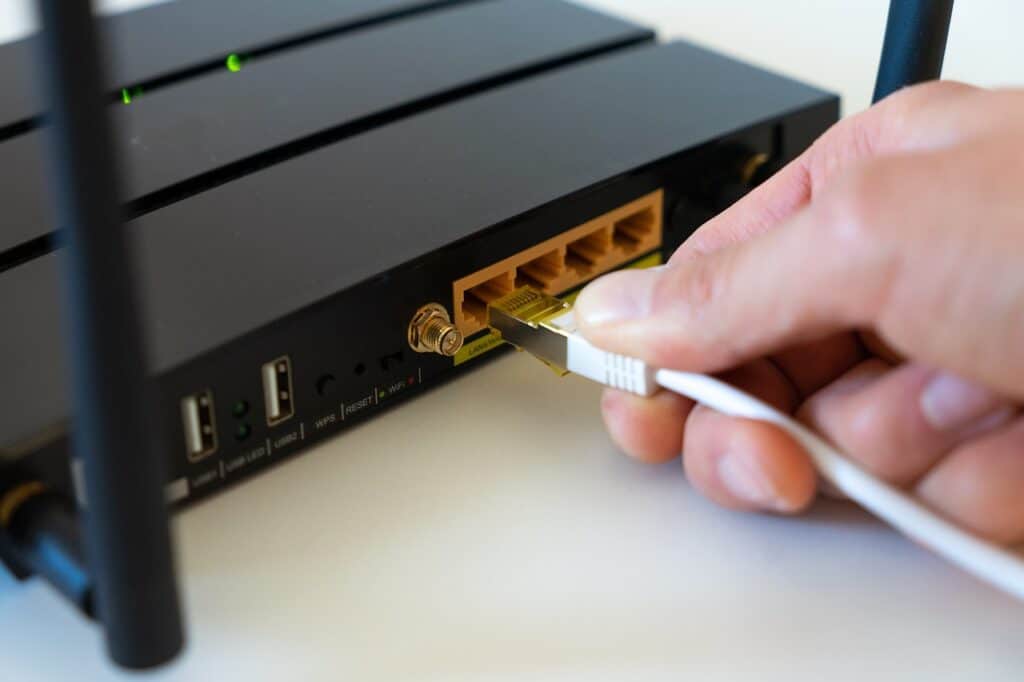
If you have acknowledged that the internet connection is behind the Fortnite lagging, try switching off the router and turning it on. This might help in establishing the connection.
6. Maintaining a Cool System for Optimised Performance

For better performance, keep your device cool. Overheating can make your CPU and GPU slow down to protect themselves, which is a common reason why Fortnite suddenly gets laggy during long sessions.
Final Words
Fortnite remains one of the most popular online games, but lag can still ruin a match. Most lag comes from the network, outdated drivers or settings that are too demanding for your hardware, and the steps above address each of these.
If you are also a gaming enthusiast; however annoyed with Fortnite lagging, this article will help you.


