Zenbook S 14 (UX5406) vs XPS 13 (DX13260)
Verified 2026-10-03
A factual specification comparison between the Zenbook S 14 (UX5406) and the XPS 13 (DX13260).
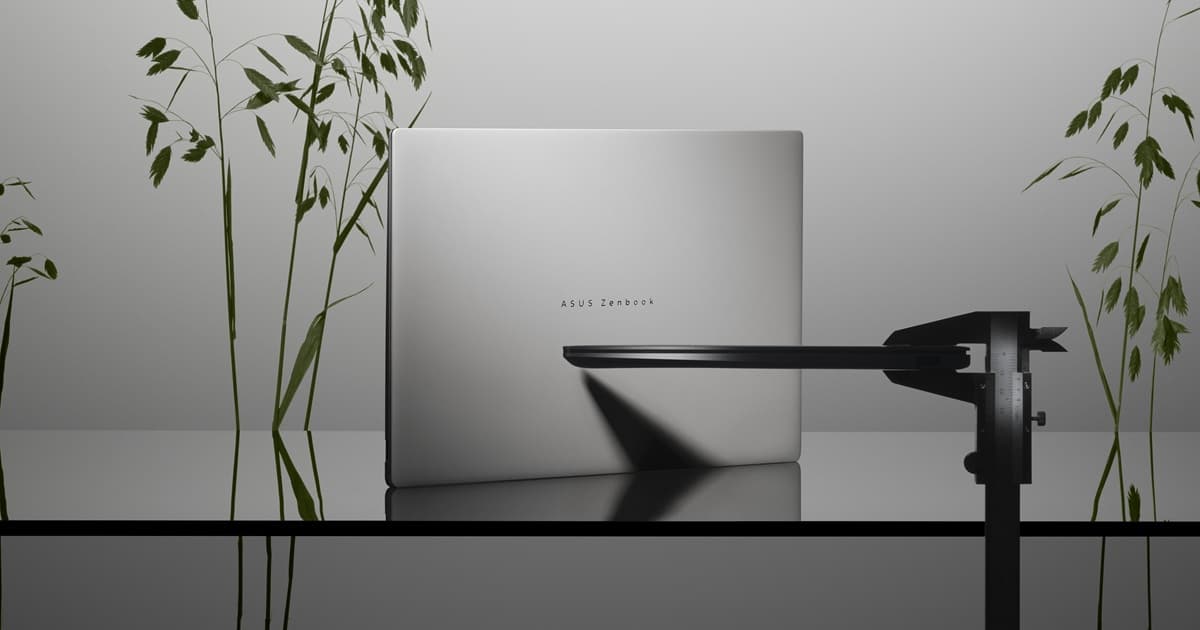
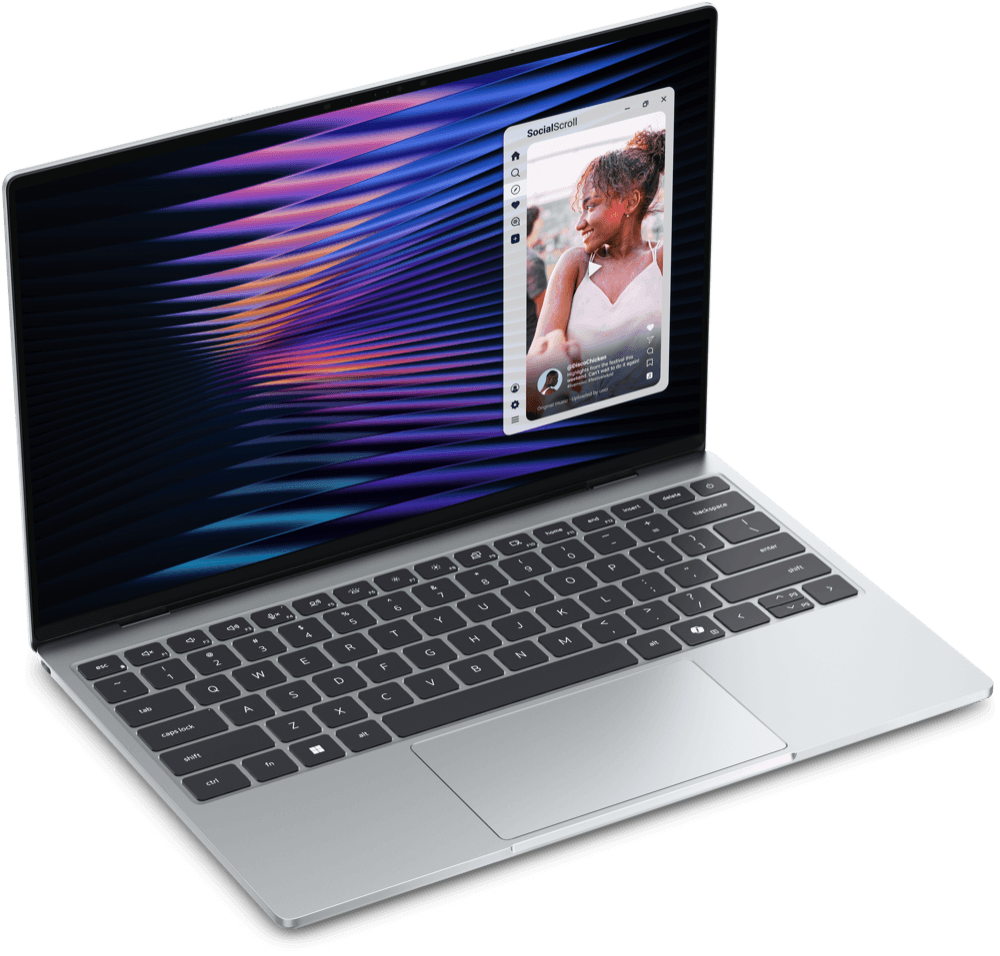
Image: Dell Technologies
DellXPS 13 (DX13260)
Fully verifiedLaptopReleased
Specs: source
View full specsKey differences
| Specification | Zenbook S 14 (UX5406) | XPS 13 (DX13260) |
|---|---|---|
| Weight | 1.20 kg (2.65 lbs) | Starting at 1 kg (2.2 lb) |
| Display | 14.0-inch, 3K (2880×1800) OLED, 16:10 aspect ratio, 120Hz refresh rate, 400 nits (500 nits HDR peak), 100% DCI-P3, PANTONE Validated, anti-glare and low-reflection | 13.4-inch InfinityEdge touch display, 30-120Hz adaptive refresh rate, 500 nits |
| Chipset | Intel Core Ultra 9 Processor 288V, 3.3GHz (up to 5.1GHz, 12MB Cache, 8 cores, 8 threads); Intel AI Boost NPU up to 48 TOPS; Intel Arc Graphics | Intel Core 5 Processor 320 (6-core, up to 4.6GHz) |
| Storage type | 1TB M.2 NVMe PCIe 4.0 SSD | SSD Gen4x4 QLC, 512GB base |
| Battery life | Up to 27 hours | Up to 17 hours (manufacturer claim) |
| Wi-Fi | Wi-Fi 7 (802.11be), triple band, 2x2 | Wi-Fi 7 (802.11be) |
| Ports | 2x Thunderbolt 4 (up to 40Gbps), 1x USB 3.2 Gen 2 Type-A (up to 10Gbps), 1x 3.5mm combo audio jack, 1x HDMI 2.1 | 2x USB-C (DisplayPort 2.1; Power Delivery) — non-Ultra Core configuration |
| Speakers | Four speakers, Front-firing tweeters | Quad speakers (dual up-firing, dual down-firing) for 360-degree spatial sound |
| Operating system at launch | Windows 11 Home / Windows 11 Pro | Windows 11 Home |
| Dimensions | 310.3 × 214.7 × 11.9-12.9 mm | 296.9 × 200.66 × 12.7 mm |
Facts shown above are the specifications where both devices have a confirmed value and those values differ — not an indication that either device is better. Showing 10 of 18 differing facts, spread across categories — see the full specification table below for the rest.
Configurations
Zenbook S 14 (UX5406)
- 1024GB / 32GB RAM
- 512GB / 16GB RAM
XPS 13 (DX13260)
- 512GB / 8GB RAM
- 512GB / 16GB RAM
Specifications
| Specification | Zenbook S 14 (UX5406) | XPS 13 (DX13260) |
|---|---|---|
| Design & Build | ||
| Weight | 1.20 kg (2.65 lbs) | Starting at 1 kg (2.2 lb) |
| Dimensions | 310.3 × 214.7 × 11.9-12.9 mm | 296.9 × 200.66 × 12.7 mm |
| Colors | Zumaia Gray, Scandinavian White | Sky, Storm |
| Build materials | Ceraluminum (aluminum alloy) chassis | CNC-machined aluminum chassis |
| Keyboard | ErgoSense keyboard, full-size layout, 19.05mm key pitch, 1.1mm key travel | Backlit keyboard, 80-key US layout |
| Display | ||
| Display | 14.0-inch, 3K (2880×1800) OLED, 16:10 aspect ratio, 120Hz refresh rate, 400 nits (500 nits HDR peak), 100% DCI-P3, PANTONE Validated, anti-glare and low-reflection | 13.4-inch InfinityEdge touch display, 30-120Hz adaptive refresh rate, 500 nits |
| Resolution | 2880 x 1800 pixels (3K OLED) | 2560×1600 pixels (2.5K) |
| Refresh rate | 120 Hz | 120 Hz |
| Peak brightness | 1100 nits | 500 nits |
| Performance | ||
| Chipset | Intel Core Ultra 9 Processor 288V, 3.3GHz (up to 5.1GHz, 12MB Cache, 8 cores, 8 threads); Intel AI Boost NPU up to 48 TOPS; Intel Arc Graphics | Intel Core 5 Processor 320 (6-core, up to 4.6GHz) |
| Graphics | Intel Arc Graphics | Intel Graphics (integrated) |
| Memory & Storage | ||
| Storage type | 1TB M.2 NVMe PCIe 4.0 SSD | SSD Gen4x4 QLC, 512GB base |
| Memory type | 32GB LPDDR5X memory on package | LPDDR5X, up to 7467 MT/s (8GB or 16GB) |
| Battery & Charging | ||
| Battery life | Up to 27 hours | Up to 17 hours (manufacturer claim) |
| Charging | Fast charging: 60% in 49 minutes | — |
| Battery capacity (Wh) | 72 | 52 (3-cell) |
| Camera | ||
| Webcam | FHD camera with IR function to support Windows Hello | — |
| Connectivity | ||
| Wi-Fi | Wi-Fi 7 (802.11be), triple band, 2x2 | Wi-Fi 7 (802.11be) |
| Bluetooth | Bluetooth 6.0 | Bluetooth 6.0 |
| Ports & Expansion | ||
| Ports | 2x Thunderbolt 4 (up to 40Gbps), 1x USB 3.2 Gen 2 Type-A (up to 10Gbps), 1x 3.5mm combo audio jack, 1x HDMI 2.1 | 2x USB-C (DisplayPort 2.1; Power Delivery) — non-Ultra Core configuration |
| Audio | ||
| Speakers | Four speakers, Front-firing tweeters | Quad speakers (dual up-firing, dual down-firing) for 360-degree spatial sound |
| Software | ||
| Operating system at launch | Windows 11 Home / Windows 11 Pro | Windows 11 Home |
| Security & Sensors | ||
| Biometric authentication | IR webcam with Windows Hello support | — |
| Security features | Windows Hello facial recognition (IR camera); Microsoft Pluton security processor | — |
Sources & verification
Zenbook S 14 (UX5406)
Verified 2026-10-02- ASUSTeK Computer Inc.Manufacturer specificationsTier 1
- ASUSTeK Computer Inc.Manufacturer specificationsTier 1
- ASUSTeK Computer Inc.ManufacturerTier 1
XPS 13 (DX13260)
Verified 2026-10-01- Dell TechnologiesManufacturerTier 1
- Dell TechnologiesManufacturerTier 1
Tier 1 sources are the manufacturer's own product pages, technical specification sheets, or support documentation. Tier 2 sources are reputable independent technical references, used only for facts that couldn't be confirmed from official documentation.