ThinkPad X1 Carbon Gen 13 vs XPS 13 (DX13260)
Verified 2026-10-03
A factual specification comparison between the ThinkPad X1 Carbon Gen 13 and the XPS 13 (DX13260).
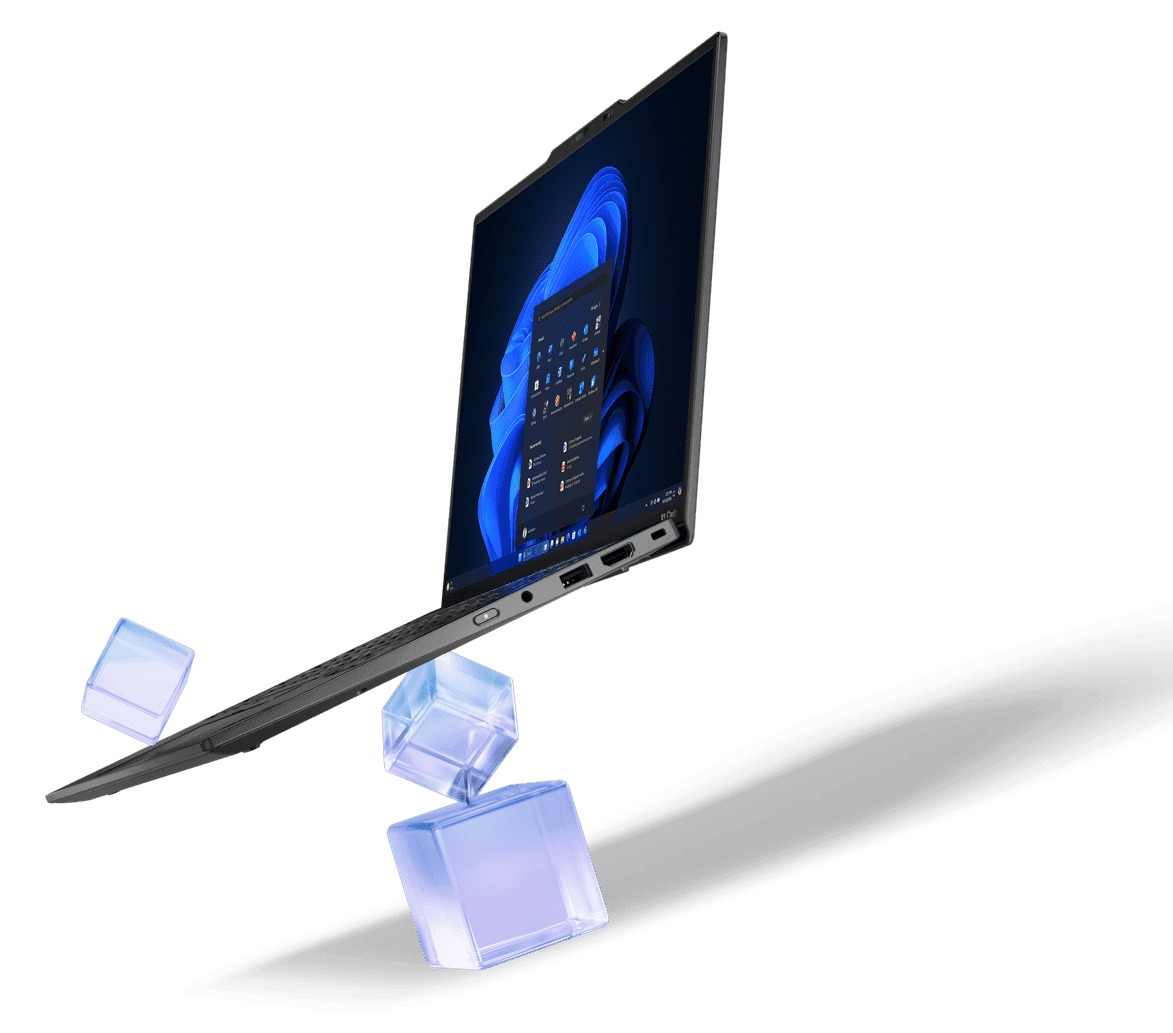
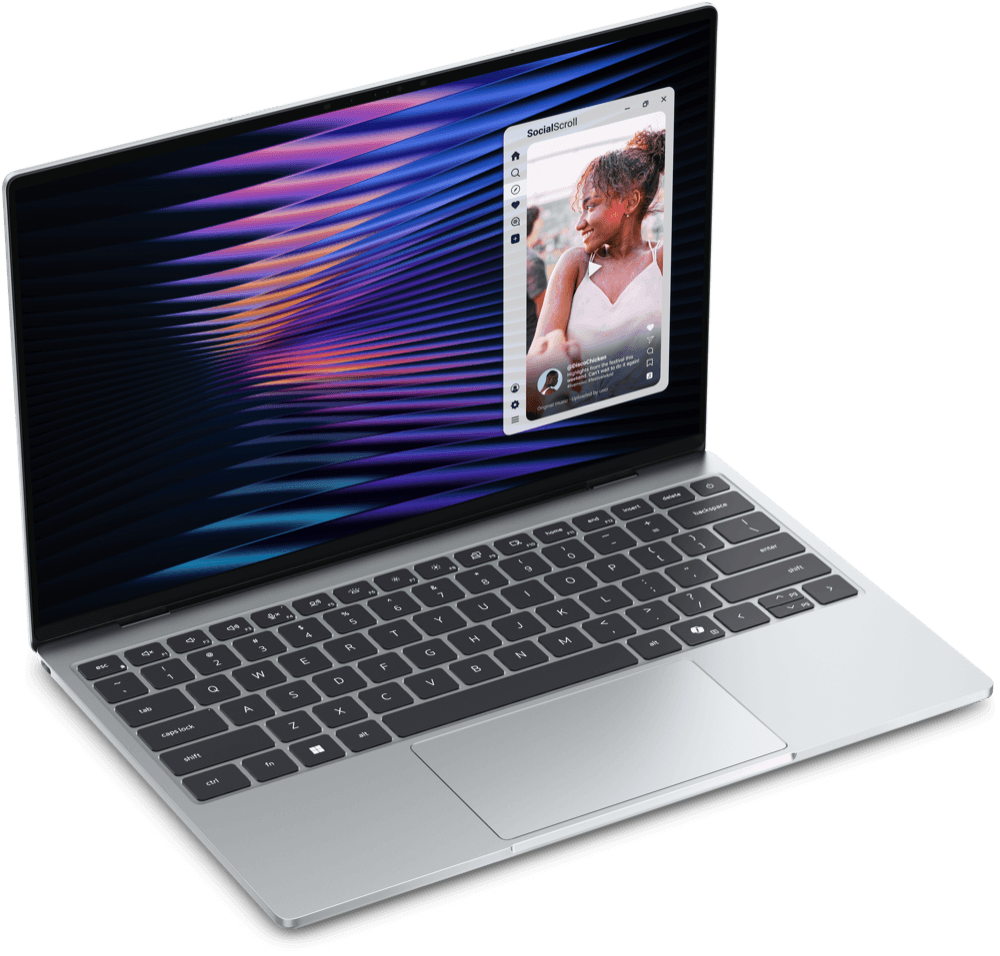
Image: Dell Technologies
Specs: source
View full specsKey differences
| Specification | ThinkPad X1 Carbon Gen 13 | XPS 13 (DX13260) |
|---|---|---|
| Build materials | Carbon fiber (top), magnesium or aluminium (bottom) | CNC-machined aluminum chassis |
| Display | 14-inch, 16:10 aspect ratio, TUV Eye Safe certified, multi-touch capable | 13.4-inch InfinityEdge touch display, 30-120Hz adaptive refresh rate, 500 nits |
| Chipset | Intel Core Ultra 7 268V (8-core, Intel Arc Graphics 140V) | Intel Core 5 Processor 320 (6-core, up to 4.6GHz) |
| Storage type | M.2 2280 SSD (single-sided only), up to 2TB | SSD Gen4x4 QLC, 512GB base |
| Battery life | Approximately 8-9 hours of typical screen-on use | Up to 17 hours (manufacturer claim) |
| Ports | 2× USB-A 3.2 Gen 1, 2× Thunderbolt 4 (USB-C, PD3.0, DisplayPort 2.1), 1× HDMI 2.1, 3.5mm combo audio jack, Nano-SIM slot (5G-capable models) | 2x USB-C (DisplayPort 2.1; Power Delivery) — non-Ultra Core configuration |
| Speakers | 2× 2W stereo upward-firing speakers | Quad speakers (dual up-firing, dual down-firing) for 360-degree spatial sound |
| Operating system at launch | Windows 11 | Windows 11 Home |
| Keyboard | 6-row spill-resistant keyboard with air intake design, multimedia Fn keys, Copilot key, LED backlight | Backlit keyboard, 80-key US layout |
| Resolution | WUXGA option: 1920×1200, IPS, non-touch, 60Hz, 2.8K option: 2880×1800, OLED, touch, 120Hz | 2560×1600 pixels (2.5K) |
Facts shown above are the specifications where both devices have a confirmed value and those values differ — not an indication that either device is better. Showing 10 of 15 differing facts, spread across categories — see the full specification table below for the rest.
Configurations
ThinkPad X1 Carbon Gen 13
- 2048GB / 32GB RAM
XPS 13 (DX13260)
- 512GB / 8GB RAM
- 512GB / 16GB RAM
Specifications
| Specification | ThinkPad X1 Carbon Gen 13 | XPS 13 (DX13260) |
|---|---|---|
| Design & Build | ||
| Weight | — | Starting at 1 kg (2.2 lb) |
| Dimensions | — | 296.9 × 200.66 × 12.7 mm |
| Colors | — | Sky, Storm |
| Build materials | Carbon fiber (top), magnesium or aluminium (bottom) | CNC-machined aluminum chassis |
| Keyboard | 6-row spill-resistant keyboard with air intake design, multimedia Fn keys, Copilot key, LED backlight | Backlit keyboard, 80-key US layout |
| Display | ||
| Display | 14-inch, 16:10 aspect ratio, TUV Eye Safe certified, multi-touch capable | 13.4-inch InfinityEdge touch display, 30-120Hz adaptive refresh rate, 500 nits |
| Resolution | WUXGA option: 1920×1200, IPS, non-touch, 60Hz, 2.8K option: 2880×1800, OLED, touch, 120Hz | 2560×1600 pixels (2.5K) |
| Refresh rate | WUXGA IPS panel: 60 Hz, 2.8K OLED panel: 120 Hz | 120 Hz |
| Peak brightness | WUXGA IPS panel: 500 nits, 2.8K OLED panel: 400-500 nits | 500 nits |
| Performance | ||
| Chipset | Intel Core Ultra 7 268V (8-core, Intel Arc Graphics 140V) | Intel Core 5 Processor 320 (6-core, up to 4.6GHz) |
| Graphics | Intel Arc Graphics 140V | Intel Graphics (integrated) |
| Memory & Storage | ||
| Storage type | M.2 2280 SSD (single-sided only), up to 2TB | SSD Gen4x4 QLC, 512GB base |
| Memory type | LPDDR5X, soldered on board, up to 64GB | LPDDR5X, up to 7467 MT/s (8GB or 16GB) |
| Battery & Charging | ||
| Battery life | Approximately 8-9 hours of typical screen-on use | Up to 17 hours (manufacturer claim) |
| Charging | Rapid Charge: 80% in about 1 hour | — |
| Battery capacity (Wh) | 57 | 52 (3-cell) |
| Camera | ||
| Webcam | IR camera for Windows Hello, physical privacy shutter | — |
| Connectivity | ||
| Wi-Fi | — | Wi-Fi 7 (802.11be) |
| Connectivity | Bluetooth, Wireless LAN, optional Wireless WAN (4G/5G), optional NFC and GPS | — |
| Bluetooth | — | Bluetooth 6.0 |
| Ports & Expansion | ||
| Ports | 2× USB-A 3.2 Gen 1, 2× Thunderbolt 4 (USB-C, PD3.0, DisplayPort 2.1), 1× HDMI 2.1, 3.5mm combo audio jack, Nano-SIM slot (5G-capable models) | 2x USB-C (DisplayPort 2.1; Power Delivery) — non-Ultra Core configuration |
| Audio | ||
| Speakers | 2× 2W stereo upward-firing speakers | Quad speakers (dual up-firing, dual down-firing) for 360-degree spatial sound |
| Software | ||
| Operating system at launch | Windows 11 | Windows 11 Home |
| Security & Sensors | ||
| Biometric authentication | Touch-style fingerprint reader in keyboard key (match-on-chip); IR camera for Windows Hello facial recognition | — |
| Security features | vPro enterprise platform features; TrackPoint pointing device | — |
Sources & verification
ThinkPad X1 Carbon Gen 13
Verified 2026-10-03- LenovoManufacturer specificationsTier 1
- Lenovo GroupManufacturer specificationsTier 1
- Lenovo GroupManufacturer newsroomTier 1
- FoneArena — ThinkPad X1 Carbon Gen 13 Aura Edition reviewIndependent technical sourceTier 2
XPS 13 (DX13260)
Verified 2026-10-01- Dell TechnologiesManufacturerTier 1
- Dell TechnologiesManufacturerTier 1
Tier 1 sources are the manufacturer's own product pages, technical specification sheets, or support documentation. Tier 2 sources are reputable independent technical references, used only for facts that couldn't be confirmed from official documentation, as is the case for some facts here.