ThinkPad X1 Carbon Gen 13 vs MacBook Air (M5)
Verified 2026-10-03
A factual specification comparison between the ThinkPad X1 Carbon Gen 13 and the MacBook Air (M5).
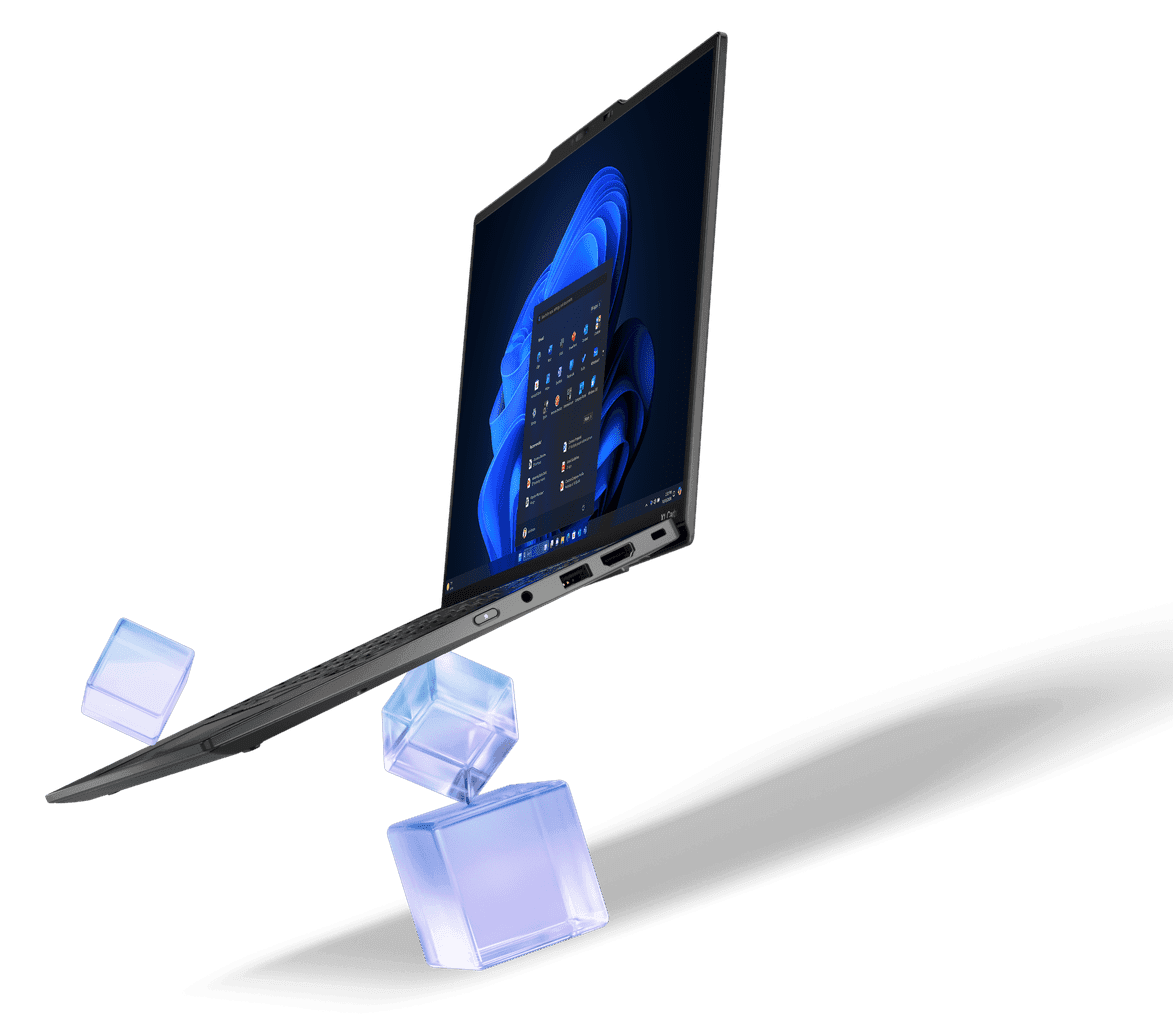
Image: Lenovo Group
- Status
- Released
- Verification
- Partially verified
- Last checked
- Checked 2026-10-03
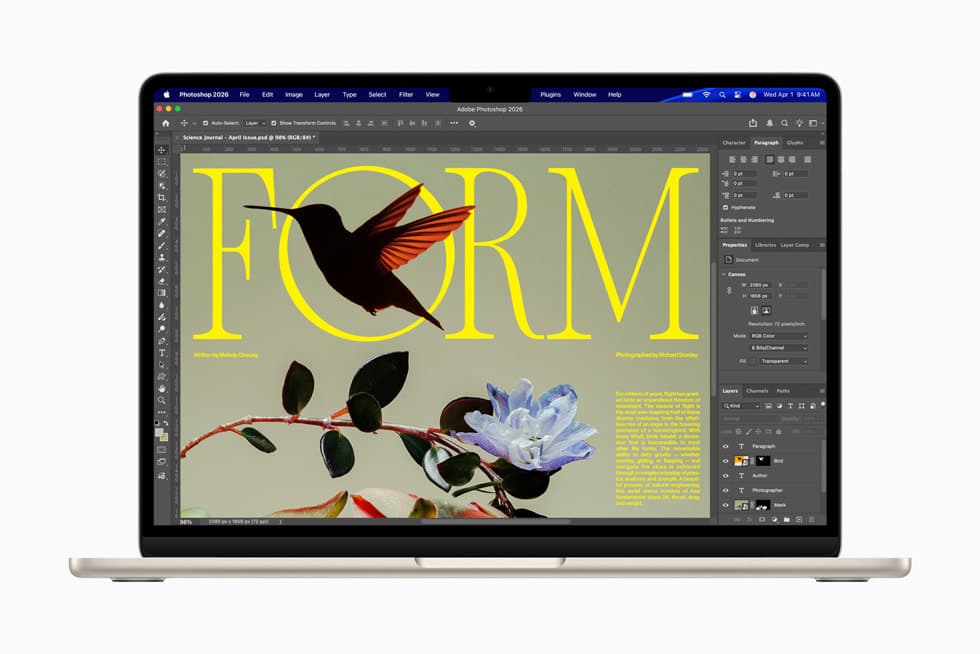
Image: Apple Inc.
- Status
- Released · 2026-03-11
- Announced
- Announced 2026-03-04
- Verification
- Verified
- Last checked
- Checked 2026-09-30
Key differences
Design & Build
| Specification | ThinkPad X1 Carbon Gen 13 | MacBook Air (M5) |
|---|---|---|
| Build materials (differs) | Carbon fiber (top), magnesium or aluminium (bottom) | Recycled aluminum enclosure |
Display
| Specification | ThinkPad X1 Carbon Gen 13 | MacBook Air (M5) |
|---|---|---|
| Display (differs) | 14-inch, 16:10 aspect ratio, TUV Eye Safe certified, multi-touch capable | Liquid Retina, 500 nits brightness, True Tone, 1 billion colors (P3 wide color) |
Performance
| Specification | ThinkPad X1 Carbon Gen 13 | MacBook Air (M5) |
|---|---|---|
| Chipset (differs) | Intel Core Ultra 7 268V (8-core, Intel Arc Graphics 140V) | Apple M5 (10-core CPU, up to 10-core GPU) |
Memory & Storage
| Specification | ThinkPad X1 Carbon Gen 13 | MacBook Air (M5) |
|---|---|---|
| Storage options (differs) | 2TB / 32GB RAM | 512GB |
Battery & Charging
| Specification | ThinkPad X1 Carbon Gen 13 | MacBook Air (M5) |
|---|---|---|
| Battery life (differs) | Approximately 8-9 hours of typical screen-on use | Up to 18 hours video streaming, up to 15 hours wireless web |
Camera
| Specification | ThinkPad X1 Carbon Gen 13 | MacBook Air (M5) |
|---|---|---|
| Webcam (differs) | IR camera for Windows Hello, physical privacy shutter | 12MP Center Stage camera, Desk View support, 1080p HD video |
Ports & Expansion
| Specification | ThinkPad X1 Carbon Gen 13 | MacBook Air (M5) |
|---|---|---|
| Ports (differs) | 2× USB-A 3.2 Gen 1, 2× Thunderbolt 4 (USB-C, PD3.0, DisplayPort 2.1), 1× HDMI 2.1, 3.5mm combo audio jack, Nano-SIM slot (5G-capable models) | 2× Thunderbolt 4 (USB-C, up to 40Gb/s), MagSafe 3, 3.5mm headphone jack |
Audio
| Specification | ThinkPad X1 Carbon Gen 13 | MacBook Air (M5) |
|---|---|---|
| Speakers (differs) | 2× 2W stereo upward-firing speakers | 13-inch: four-speaker sound system, 15-inch: six-speaker system with force-cancelling woofers |
Software
| Specification | ThinkPad X1 Carbon Gen 13 | MacBook Air (M5) |
|---|---|---|
| Operating system at launch (differs) | Windows 11 | macOS |
Security & Sensors
| Specification | ThinkPad X1 Carbon Gen 13 | MacBook Air (M5) |
|---|---|---|
| Biometric authentication (differs) | Touch-style fingerprint reader in keyboard key (match-on-chip); IR camera for Windows Hello facial recognition | Touch ID (integrated in keyboard) |
These are specifications where both devices have a confirmed value and the values differ. A difference is not a judgement that either device is better. Showing 10 of 18 differences; the full specifications below include all of them.
Full specifications
differs · Not disclosed: not published by the manufacturer · —: not recorded
Design & Build
2 differences
| Specification | ThinkPad X1 Carbon Gen 13 | MacBook Air (M5) |
|---|---|---|
| Weight | Not recorded | 13-inch: 2.7 lb (1.23 kg), 15-inch: 3.3 lb (1.51 kg) |
| Dimensions | Not recorded | 13-inch: 11.97 × 8.46 × 0.44 in, 15-inch: 13.40 × 9.35 × 0.45 in |
| Colors | Not recorded | Sky Blue, Midnight, Starlight, Silver |
| Build materials (differs) | Carbon fiber (top), magnesium or aluminium (bottom) | Recycled aluminum enclosure |
| Keyboard (differs) | 6-row spill-resistant keyboard with air intake design, multimedia Fn keys, Copilot key, LED backlight | Backlit Magic Keyboard with 78 (ANSI) or 79 (ISO) keys, Touch ID, and Force Touch trackpad |
Display
3 differences
| Specification | ThinkPad X1 Carbon Gen 13 | MacBook Air (M5) |
|---|---|---|
| Display (differs) | 14-inch, 16:10 aspect ratio, TUV Eye Safe certified, multi-touch capable | Liquid Retina, 500 nits brightness, True Tone, 1 billion colors (P3 wide color) |
| Resolution (differs) | WUXGA option: 1920×1200, IPS, non-touch, 60Hz, 2.8K option: 2880×1800, OLED, touch, 120Hz | 13-inch: 2560×1664 (224 ppi), 15-inch: 2880×1864 (224 ppi) |
| Refresh rate | WUXGA IPS panel: 60 Hz, 2.8K OLED panel: 120 Hz | Not recorded |
| Peak brightness (differs) | WUXGA IPS panel: 500 nits, 2.8K OLED panel: 400-500 nits | 500 nits |
Performance
2 differences
| Specification | ThinkPad X1 Carbon Gen 13 | MacBook Air (M5) |
|---|---|---|
| Chipset (differs) | Intel Core Ultra 7 268V (8-core, Intel Arc Graphics 140V) | Apple M5 (10-core CPU, up to 10-core GPU) |
| Graphics (differs) | Intel Arc Graphics 140V | 8-core GPU |
Memory & Storage
3 differences
| Specification | ThinkPad X1 Carbon Gen 13 | MacBook Air (M5) |
|---|---|---|
| Storage options (differs) | 2TB / 32GB RAM | 512GB |
| Storage type (differs) | M.2 2280 SSD (single-sided only), up to 2TB | SSD, 512GB base (configurable to 1TB, 2TB, or 4TB) |
| Memory type (differs) | LPDDR5X, soldered on board, up to 64GB | Unified memory, 16GB base (configurable to 24GB or 32GB) |
Battery & Charging
3 differences
| Specification | ThinkPad X1 Carbon Gen 13 | MacBook Air (M5) |
|---|---|---|
| Battery life (differs) | Approximately 8-9 hours of typical screen-on use | Up to 18 hours video streaming, up to 15 hours wireless web |
| Charging (differs) | Rapid Charge: 80% in about 1 hour | MagSafe 3; both Thunderbolt 4 ports also support charging |
| Battery capacity (Wh) (differs) | 57 | 13-inch: 53.8, 15-inch: 66.5 |
Camera
1 difference
| Specification | ThinkPad X1 Carbon Gen 13 | MacBook Air (M5) |
|---|---|---|
| Front cameras | Not recorded | Center Stage 12MP |
| Webcam (differs) | IR camera for Windows Hello, physical privacy shutter | 12MP Center Stage camera, Desk View support, 1080p HD video |
Connectivity
No differences
| Specification | ThinkPad X1 Carbon Gen 13 | MacBook Air (M5) |
|---|---|---|
| Wi-Fi | Not recorded | Wi-Fi 7 (802.11be) via Apple N1 chip |
| Connectivity | Bluetooth, Wireless LAN, optional Wireless WAN (4G/5G), optional NFC and GPS | Not recorded |
| Bluetooth | Not recorded | Bluetooth 6 |
Ports & Expansion
1 difference
| Specification | ThinkPad X1 Carbon Gen 13 | MacBook Air (M5) |
|---|---|---|
| Ports (differs) | 2× USB-A 3.2 Gen 1, 2× Thunderbolt 4 (USB-C, PD3.0, DisplayPort 2.1), 1× HDMI 2.1, 3.5mm combo audio jack, Nano-SIM slot (5G-capable models) | 2× Thunderbolt 4 (USB-C, up to 40Gb/s), MagSafe 3, 3.5mm headphone jack |
Audio
1 difference
| Specification | ThinkPad X1 Carbon Gen 13 | MacBook Air (M5) |
|---|---|---|
| Speakers (differs) | 2× 2W stereo upward-firing speakers | 13-inch: four-speaker sound system, 15-inch: six-speaker system with force-cancelling woofers |
Software
1 difference
| Specification | ThinkPad X1 Carbon Gen 13 | MacBook Air (M5) |
|---|---|---|
| Operating system at launch (differs) | Windows 11 | macOS |
Security & Sensors
1 difference
| Specification | ThinkPad X1 Carbon Gen 13 | MacBook Air (M5) |
|---|---|---|
| Biometric authentication (differs) | Touch-style fingerprint reader in keyboard key (match-on-chip); IR camera for Windows Hello facial recognition | Touch ID (integrated in keyboard) |
| Security features | vPro enterprise platform features; TrackPoint pointing device | Not recorded |
Terms used on this page (9)
- ppi
- Pixels per inch: how densely pixels are packed on the screen.
- Nits
- A unit of screen brightness (candela per square metre). Typical, HDR and outdoor peak figures are measured under different conditions.
- Refresh rate (Hz)
- How many times per second the display can redraw the image.
- mAh and Wh
- Battery capacity. mAh is charge; Wh also accounts for voltage, so it is the more comparable energy figure across device types.
- Wi-Fi 6E / Wi-Fi 7
- Wi-Fi 6E adds the 6 GHz band to Wi-Fi 6; Wi-Fi 7 (802.11be) adds wider channels and multi-link operation. Real speeds depend on the router and network.
- OLED
- A display whose pixels emit their own light, so black areas can be fully dark; LCDs use a separate backlight.
- LPDDR and UFS
- LPDDR is a mobile memory (RAM) standard and UFS a flash storage standard; higher version numbers are newer generations.
- Qi2 / MagSafe
- Wireless charging standards with magnetic alignment; the quoted wattage is the maximum with a compatible charger.
- Thunderbolt / USB4
- USB-C connection standards for high-speed data, external displays and charging.
Sources & verification
ThinkPad X1 Carbon Gen 13
Verified 2026-10-03- LenovoManufacturer specificationsTier 1
- Lenovo GroupManufacturer specificationsTier 1
- Lenovo GroupManufacturer newsroomTier 1
- FoneArena — ThinkPad X1 Carbon Gen 13 Aura Edition reviewIndependent technical sourceTier 2
MacBook Air (M5)
Verified 2026-09-30- Apple Inc.Manufacturer newsroomTier 1
- Apple Inc.Manufacturer specificationsTier 1
- Apple Inc.ManufacturerTier 1
Tier 1 sources are the manufacturer's own product pages, technical specification sheets, or support documentation. Tier 2 sources are reputable independent technical references, used only for facts that couldn't be confirmed from official documentation, as is the case for some facts here.